 For iPhone & iPad
PocketWork
Your computer. Your chats.
Keep your OpenCode v2 chats close on iPhone and iPad. Pair with your computer, pick up a conversation, and review the questions and approvals that need your attention.
Take a lookOpenCode v2 beta in internal testing. Public App Store availability has not been announced.
 View on GitHub
Source, setup and compatibility information
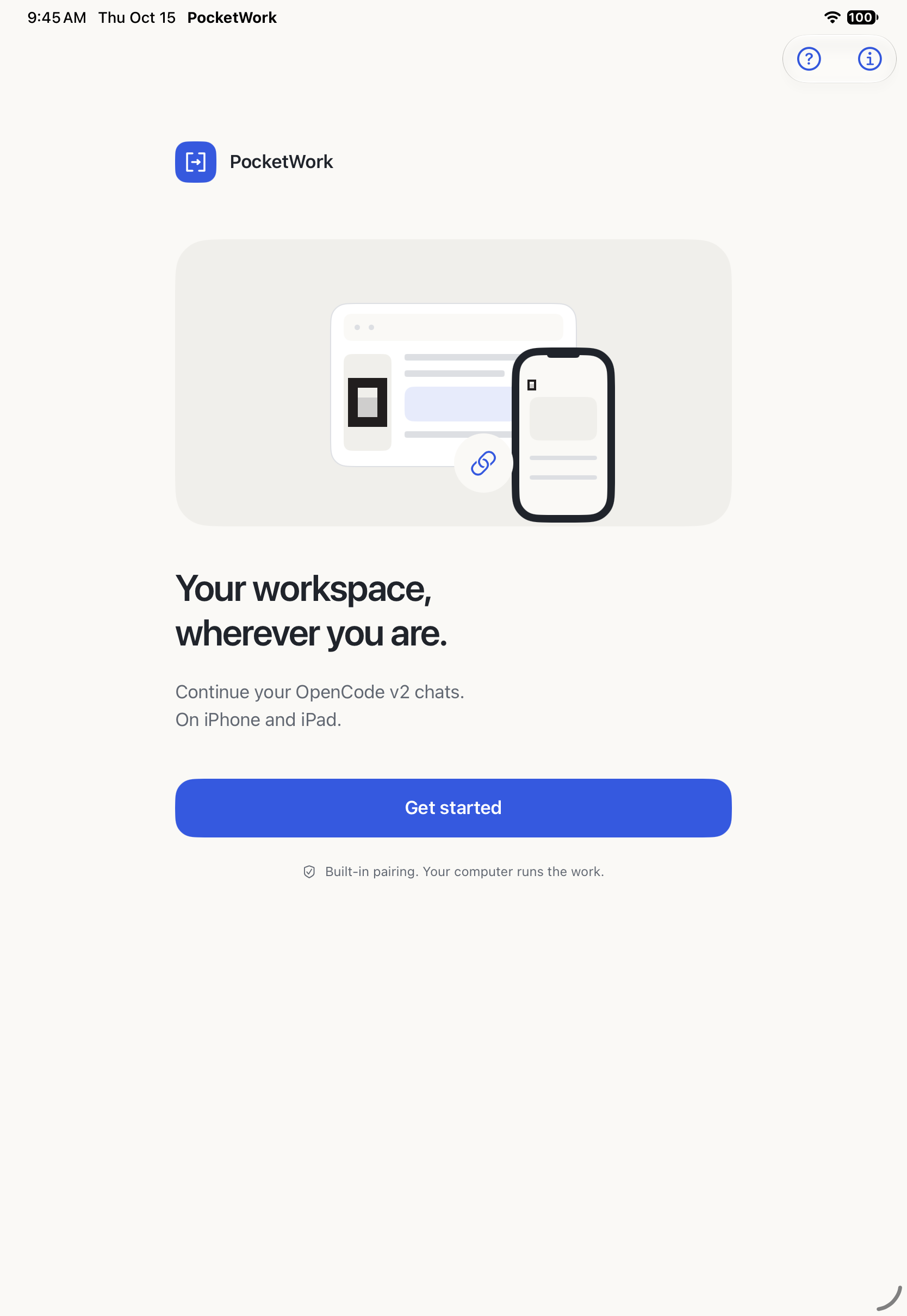
Pair with OpenCode
Scan a QR code or paste a pairing link from OpenCode v2’s built-in Remote access. Keep OpenCode running on your computer.
Keep the conversation going
Continue a chat, choose an available model, answer questions and review tool approvals. Compact Activity keeps progress easy to follow.
Bring what you need
Choose photos or supported files, review AI sharing, and preview or share supported results. Your computer runs the work.
A closer look
Made for your day.
Actual app screens.
Development build on iPad Simulator. Tap to enlarge.
OpenCode v2 beta in internal testing. Public App Store availability has not been announced.
Before you connect.
PocketWork is an independent companion for OpenCode v2, maintained by Salty Panda LLC. It isn’t an official OpenCode product. You need a compatible, running OpenCode server and its built-in Remote access. Qualification currently targets OpenCode 2.0.29 on macOS and Ubuntu Linux; release testing is still in progress.
Pairing grants access across that OpenCode server. Choosing visible projects only changes this device’s lists. Model providers and services you configure have their own terms and may charge separately.
Connection help & supportNeed a hand?
Questions, feedback, or something that’s not working. Get in touch.